
ChatGPT Business Profile Management for Doctors, Dentists and Med Spas
We help you claim and complete your practice's ChatGPT business profile, align its information with Google and your website, and keep the details current.
- One practice per city
- Month to month, no contract
- You own the website
- The founder runs your account
Reviewed by Artem Saribekyan, Founder of DoctorRank | Veteran SEO Specialist, 20+ Years of Experience | SEO for Private Medical Practices Since 2005 | Last Updated: November 2026
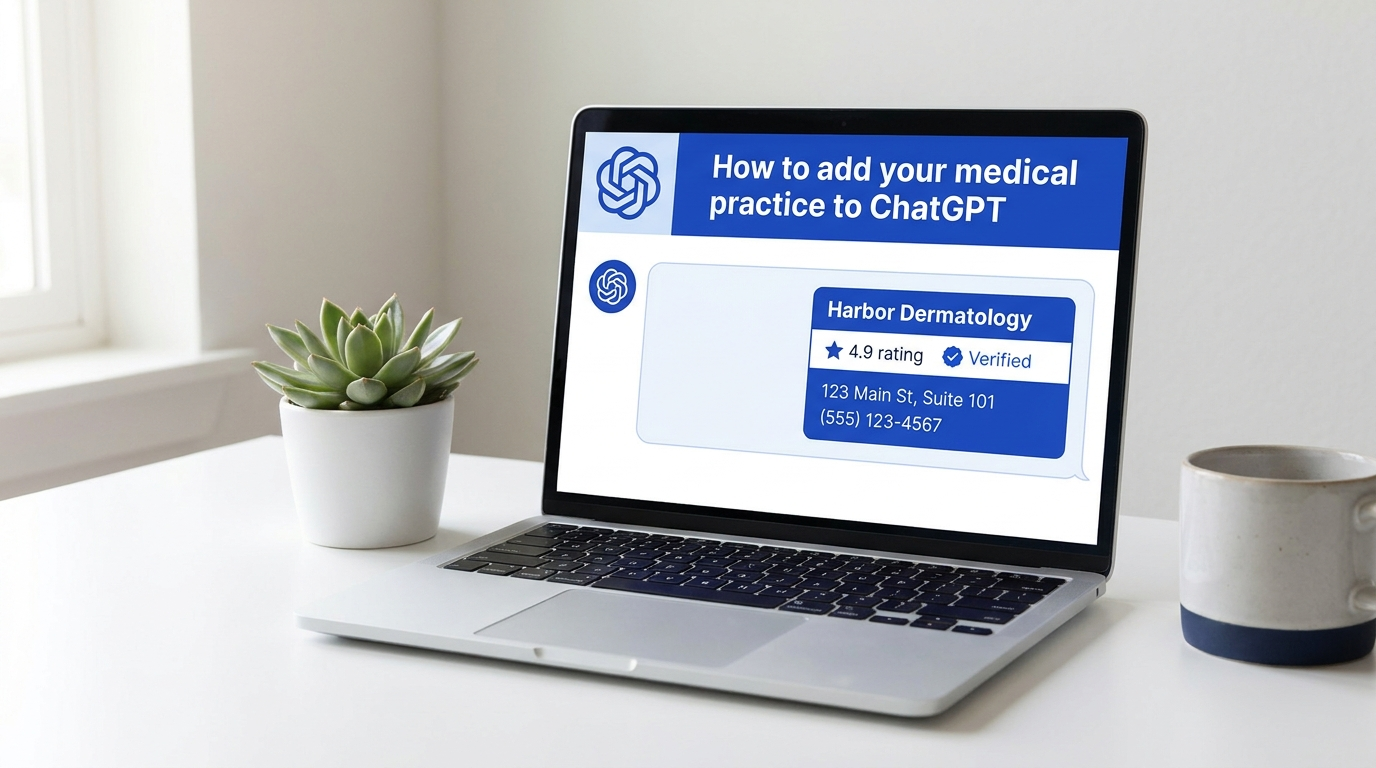
What your profile gets
- The right listing found, claimed and taken through verification
- Every field the hub offers completed from your real information
- One story across ChatGPT, Google and your website
- A written record of what changed, what is pending and what is still open
What your ChatGPT business profile does
In November 2026 OpenAI opened the ChatGPT Business Hub, where a business claims its own listing and supplies the information ChatGPT can use when someone asks about it. For a practice that means the name, the category, a short description, the address, the phone, the website, the hours and photos, plus a view of how often the practice is mentioned and how many people click through.
The profile is one source among several. ChatGPT still reads your website, your Google listing, your reviews and the directories that mention you, and it can keep using those even after the profile is complete. A claimed profile does not buy a recommendation. What it does is give you a say in the facts, and a place where a wrong phone number or an old address can be fixed at the source.
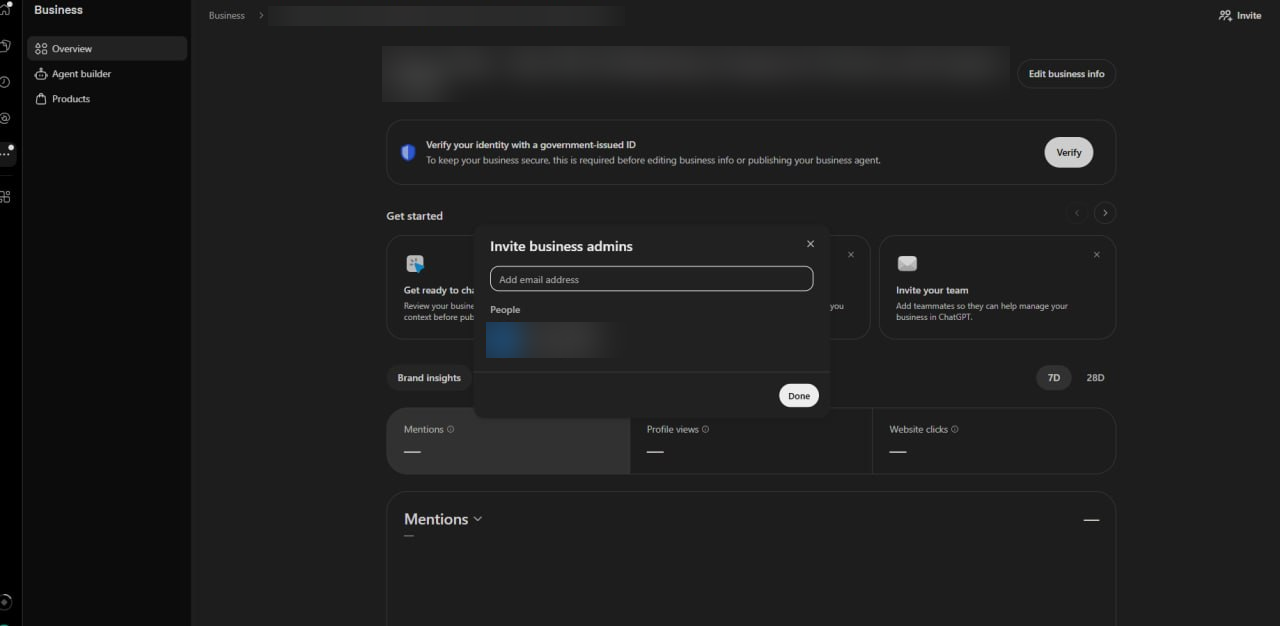
What we complete during setup

The correct listing, identified
The hub can hold a listing for the practice, one for each doctor and one for each location. We find the ones that are yours before anyone clicks Claim.

Claim and verification status, assessed
Unclaimed, claimed by someone else, claimed but unverified, or verified. Each state has a different next step, and OpenAI reviews the claim and the identity check as separate stages.

Help with the verification you are offered
Phone, email or a record on your domain, whichever route the hub gives your listing. The identity check itself stays with you on your own account; we prepare what it will ask for.

Categories and the description
The category that matches how patients look for you, and a description written to the short limit the field allows, in plain words and without claims you cannot back.

Contact details, hours and photos
Phone, website, address and hours checked against your Google profile and your site. A useful first set of real photos: exterior, reception, rooms, team, logo.

Manager access and a written record
Managers are invited to their own accounts; nobody shares a password. You get a record of every change made, what OpenAI is still reviewing and what could not be changed yet.
Your Google profile, website and ChatGPT profile should tell the same story
Most profile problems are not missing fields. They are three sources that disagree. The Google listing has the old suite number, the website has the new one, and the ChatGPT profile was filled in from whichever the model found first. We lay the three side by side and compare the legal business name, the exact address, the phone number, the hours, the website, the specialty and the services, then resolve each difference at its source rather than copying Google into ChatGPT and calling it done.
Practices with more than one doctor or more than one office need one more decision: which listing stands for the practice, which for an individual physician, and which for a second location. Two businesses at the same address, a surgeon with a personal profile alongside the practice profile, a satellite office that shares a phone line, all of these get sorted out on paper before anything is claimed, so the profiles do not end up describing each other.
Already claimed? We check what is still missing
Clicking Claim is the easy part. Many practices stop there with a profile that is claimed but unverified, a category left on the default, no description, no photos, and a verification prompt that keeps coming back because a stage never finished. We read the actual status in your dashboard, finish the open steps, complete the empty fields and, where you have several locations, repeat it for each one. The routes and prompts follow OpenAI's own setup guide, so nothing is guessed. Nobody has to start over.
What happens after setup
Changes to hours, phone or address
Holiday hours, a new line, a move. The profile is updated when the practice changes, in the same week the Google listing and the website change.
Services, branding and photos
A treatment added or dropped, a new logo, a renovated reception. We add what is genuinely new and leave the rest alone.
Access and open issues
A manager who leaves, a verification that lapses, a field the hub will not let anyone edit yet. We track each one and pursue the corrections the platform makes available.
Reporting that names real work
What was changed, what OpenAI is still reviewing, and the mention and click numbers the hub shows for your profile. Nothing invented to fill a page.
How this works alongside ChatGPT SEO
The profile is the listing. ChatGPT SEO is everything around it: the pages that state who your doctors are and what you do, the structured data that lets a model read those pages as facts, the reviews on Yelp and Google, the directory entries and the independent mentions that confirm the practice is real. An accurate profile with nothing behind it does little; strong signals with a wrong profile send mixed messages. The two are run together, and the profile is the smaller of the two jobs.
Two jobs, one practice
- Business profile management
- Claiming, verification assistance, completing the available fields, aligning the business information and keeping it accurate.
- ChatGPT SEO
- The website, the entity information, the reviews, the citations and the mentions on sites you do not own, which is most of what ChatGPT reads when it recommends a practice.
Do it yourself or have Doctor Rank help
Either way, the identity check is done by you or your authorized representative through OpenAI's own flow, on your own account. The split below is everything else.
If you do it yourself
- Follow our step-by-step guide to the Business Hub (link below)
- Keep your ID, your business details and your domain or phone access at hand for whichever verification route you are offered
- Fill in the category, description, contact details, hours and photos, and check them against your Google listing and website
- Return when hours, phone or services change
If we help
- We identify the correct listings and check their current status before you claim anything
- We prepare the description, the category choice, the contact details and the photo set, and sit with you through the verification steps
- We compare the finished profile against your Google profile and website and resolve the differences at the source
- We keep the profile current and give you a written record of what changed and what is still pending
What it costs
For Doctor Rank clients there is no extra charge: the ChatGPT business profile is part of the client package, alongside the website, the Google Business Profile, Yelp and the other listings. See everything a complete medical growth agency covers. The guide to doing it yourself is free and complete: how to add your medical practice to ChatGPT. Agents, booking integrations and bulk tools are not part of this service until the platform offers them in a form we have tested for a practice like yours.
Guides on your ChatGPT business profile
What works alongside the ChatGPT business profile
The ChatGPT profile is one listing. The Google Business Profile is the other, and both are filled from the same facts so a patient sees one practice described the same way in both places. ChatGPT also reads what the practice publishes on social media, so real posts from the clinic support the profile.
When a patient who found you through ChatGPT reaches out, our follow-up system answers within minutes.
Questions practices ask about the ChatGPT business profile
Get help with your ChatGPT profile
We will look up your practice in the Business Hub, tell you whether it is unclaimed, claimed or verified, and show you where it disagrees with your Google listing and your website.
What happens on the call
- 1We pull up your listing in the hub and your Google profile side by side
- 2You hear what is missing, what is wrong and what the next step is
- 3You decide whether to do it yourself with the guide or have us help
Related Services
Disclaimer: SEO results vary by market, competition, and implementation. The strategies discussed on this page reflect our direct experience managing campaigns for private medical practices. No specific ranking position or traffic outcome is guaranteed. For a personalized assessment, contact our team.